Features
Features for every role
Three portals on one platform: one for hiring teams, one for candidates and one for platform admins.
For hiring teams
Everything you need to run an assessment
The company portal is shared by owners, assessment creators and evaluators, with each role seeing only its own tools.
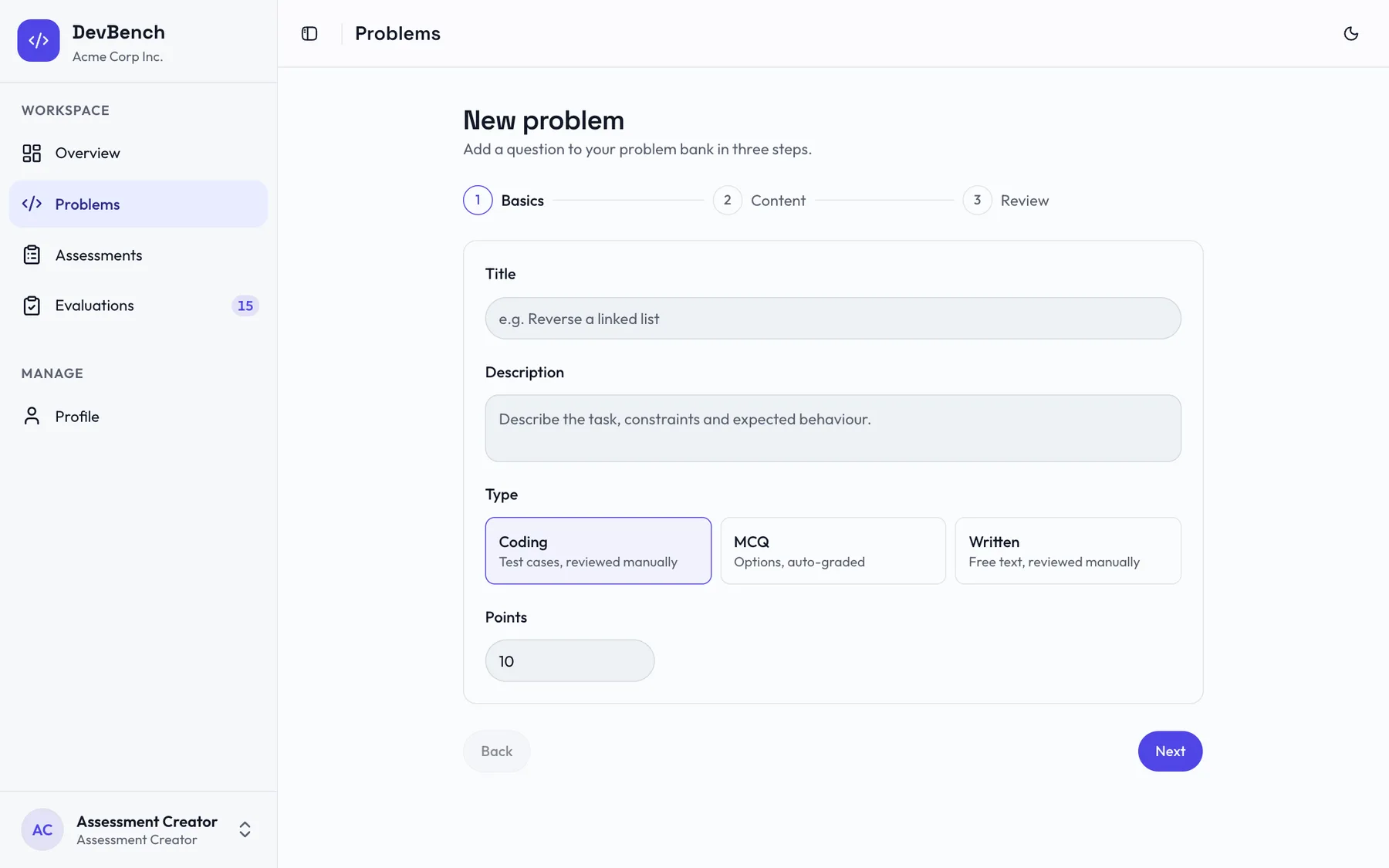
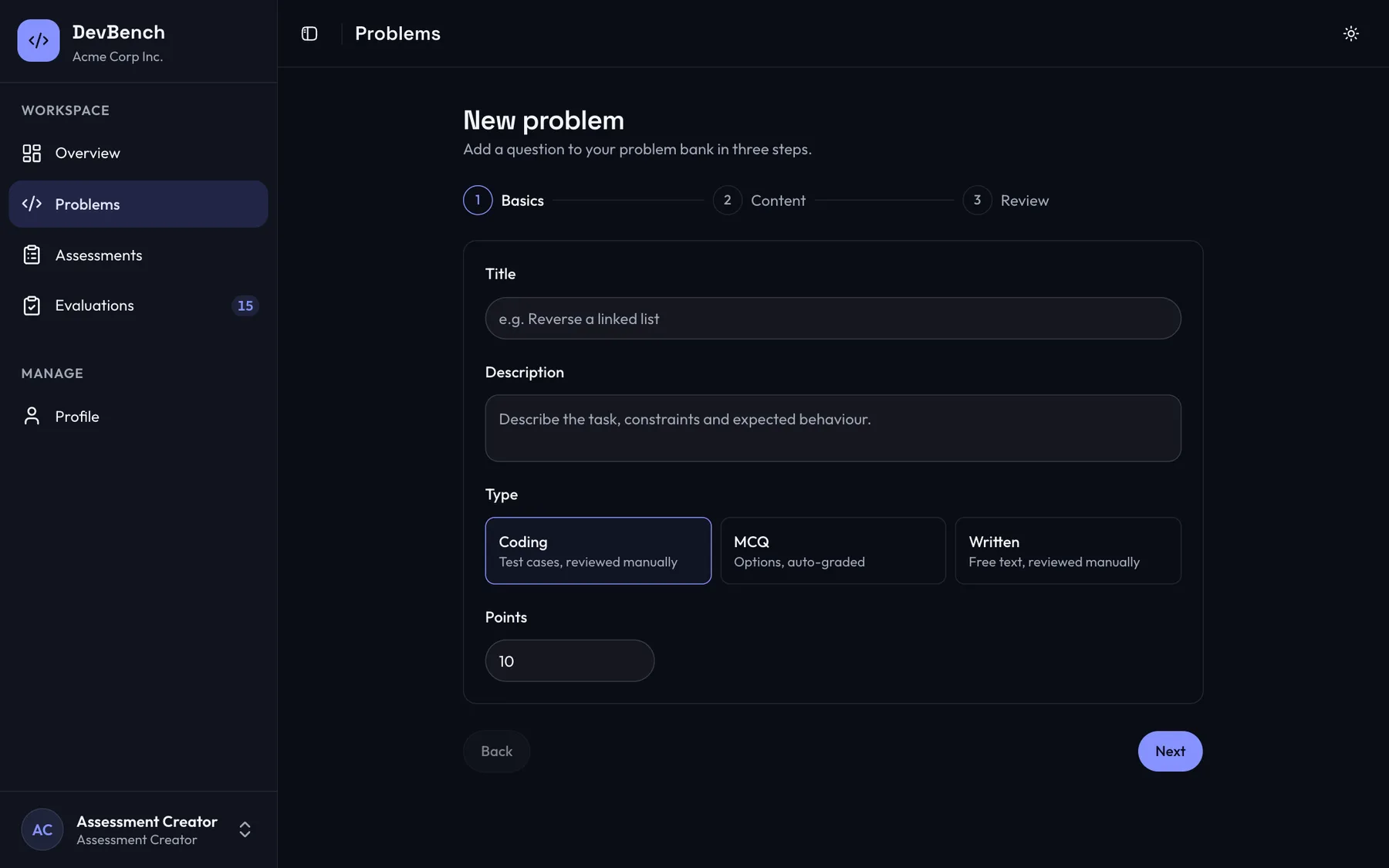
Write a problem in three steps
Choose coding, multiple choice or written, add test cases or options, then review and save. An unfinished draft survives a page refresh.
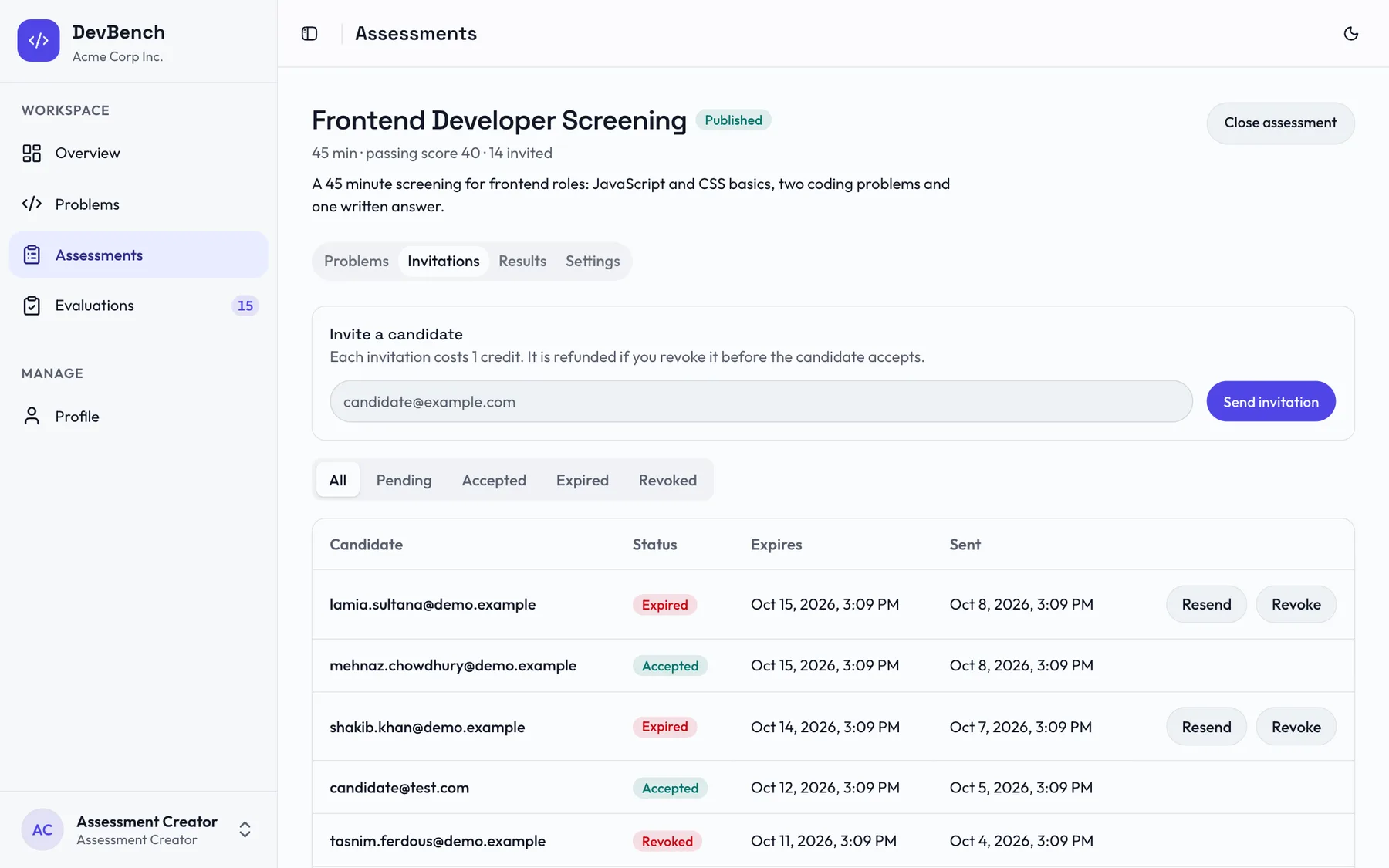
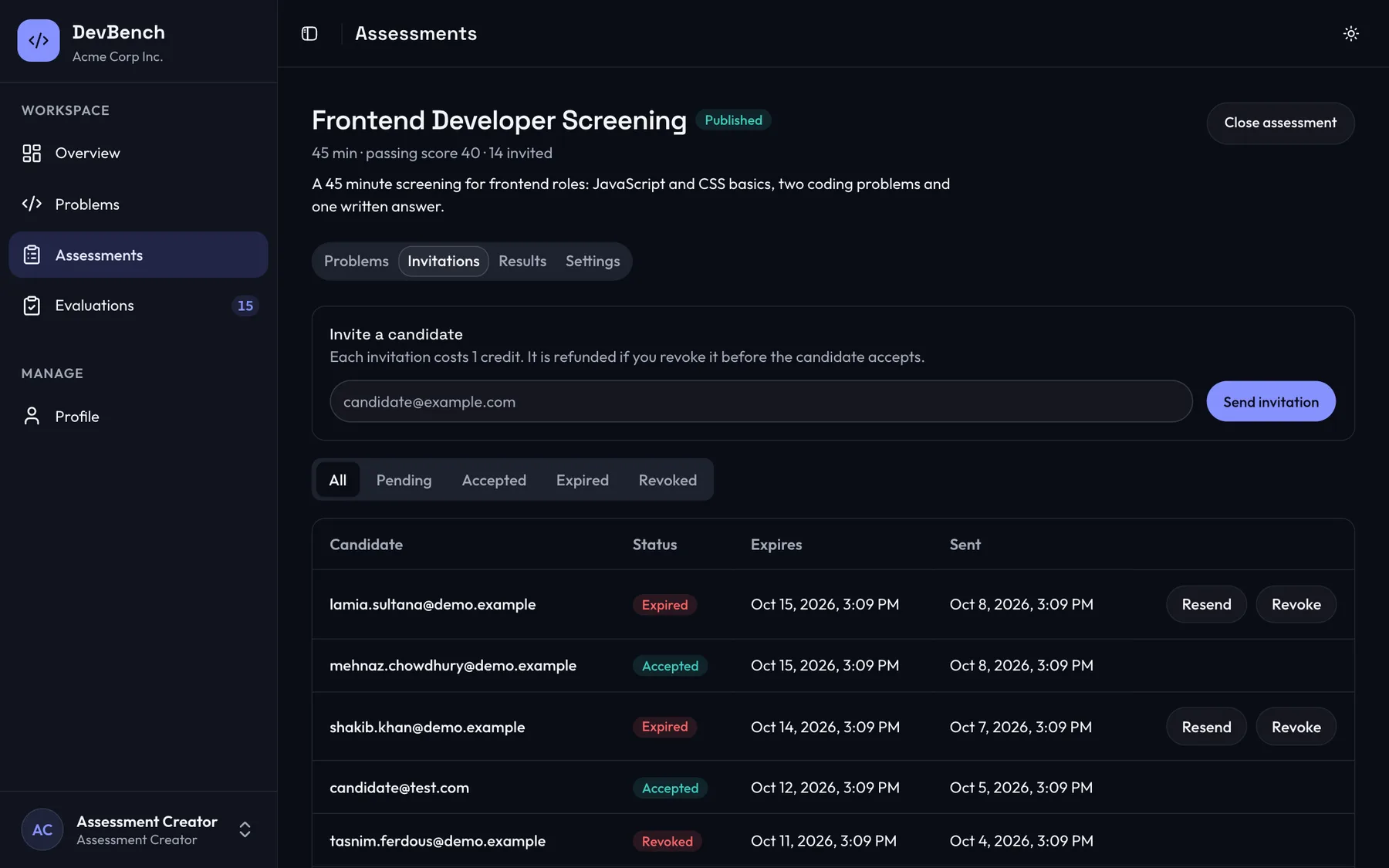
Invite and track every candidate
Each invitation shows as pending, accepted, expired or revoked. Resend or revoke from the same list, and a revoked invitation refunds its credit.
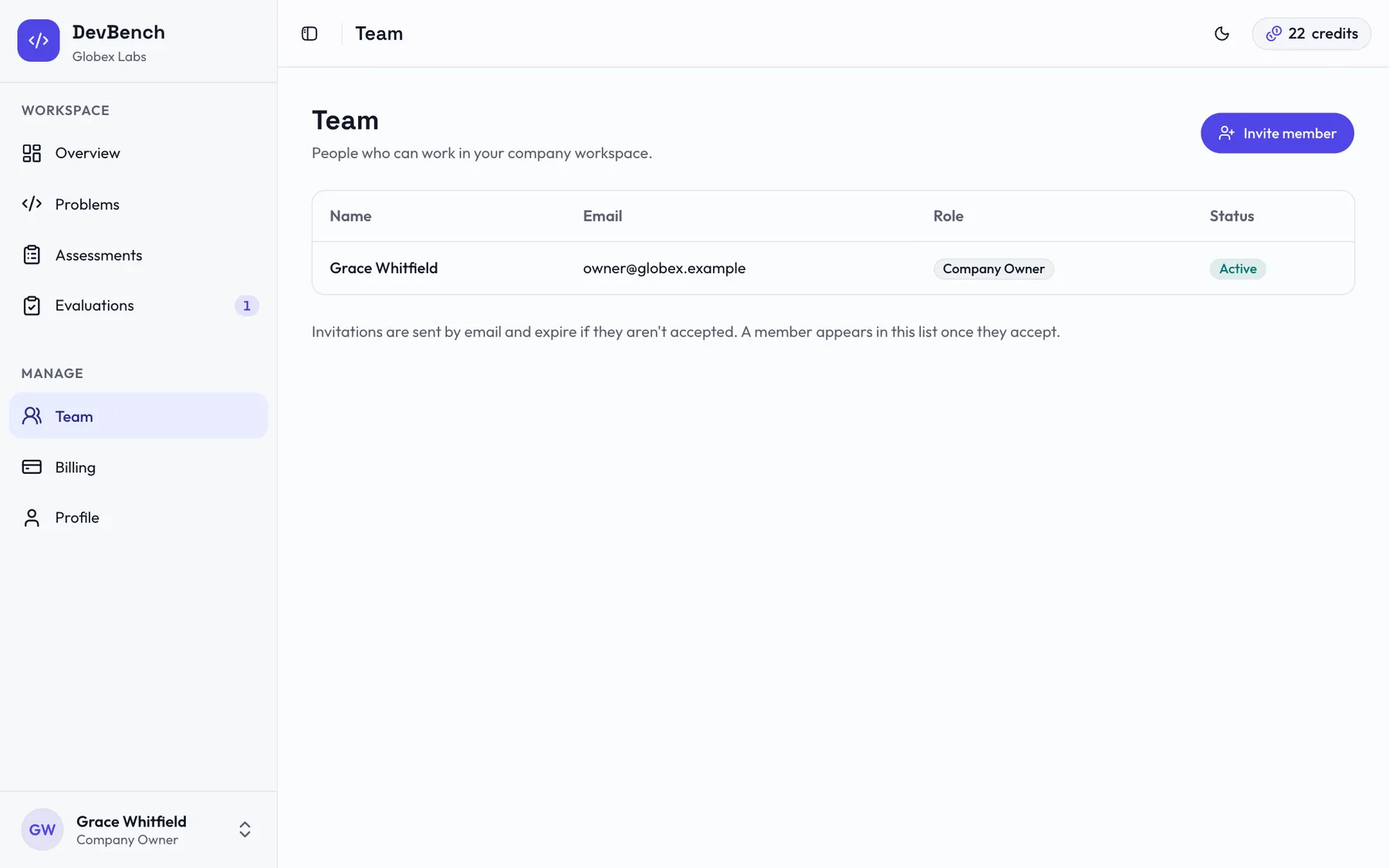
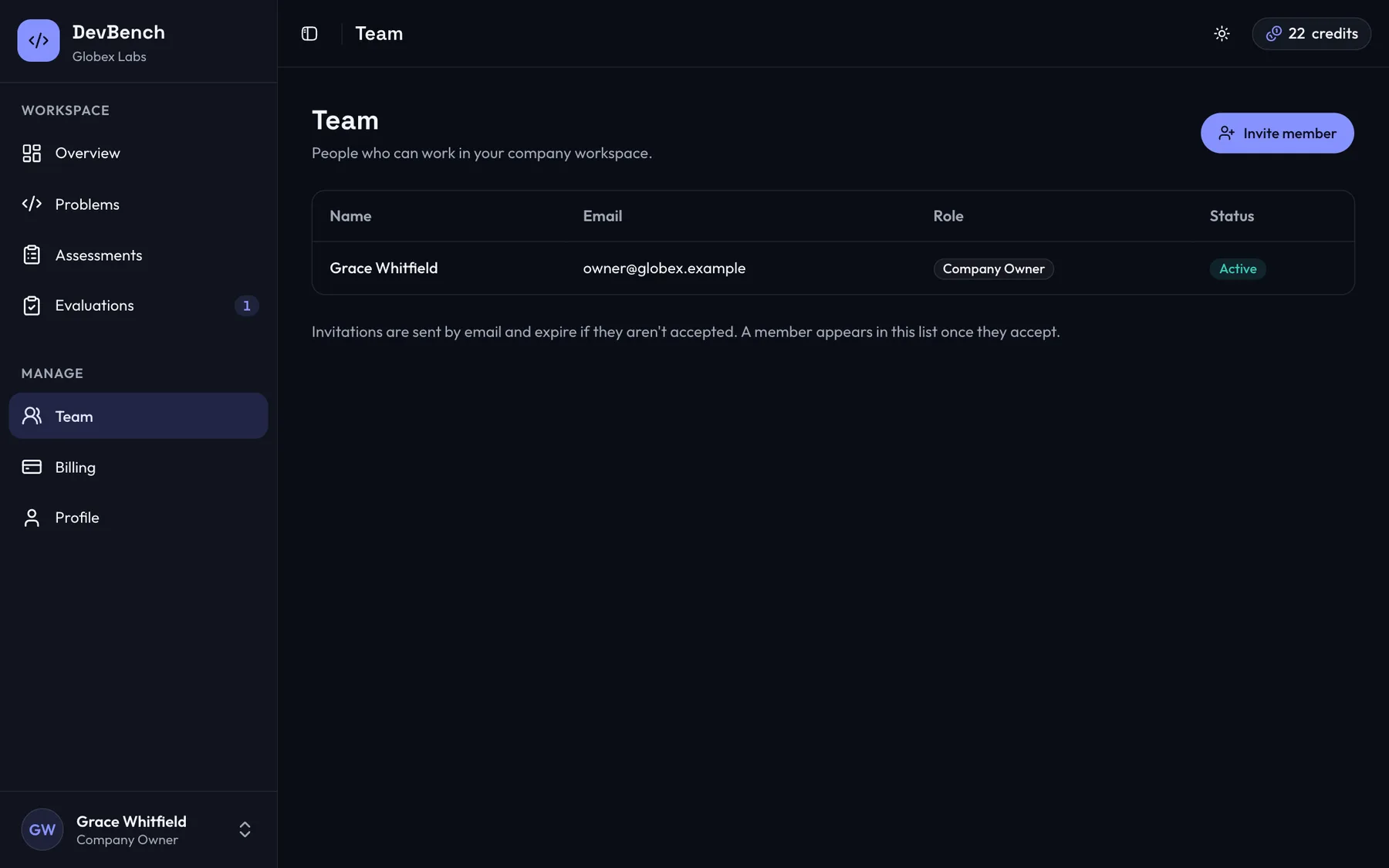
Bring your hiring team in
Owners invite assessment creators and evaluators by email. Each role sees only its own tools, and billing stays with the owner.
Problem bank
Write coding, multiple choice and written problems once and reuse them across assessments.
Assessments
Combine problems, set the duration and passing score, then move an assessment from draft to published to closed.
Invitations
Track each invitation as pending, accepted, expired or revoked. Resend or revoke at any time.
Evaluations
Review submissions that need a human, give a score and leave feedback for the record.
Team management
Owners invite creators and evaluators by email. Billing and team settings stay with the owner.
Credits and billing
See your balance, a transaction history and every payment made through Stripe.
For candidates
A clear, fair experience
Candidates get one place for their invitations, their attempts and their results.
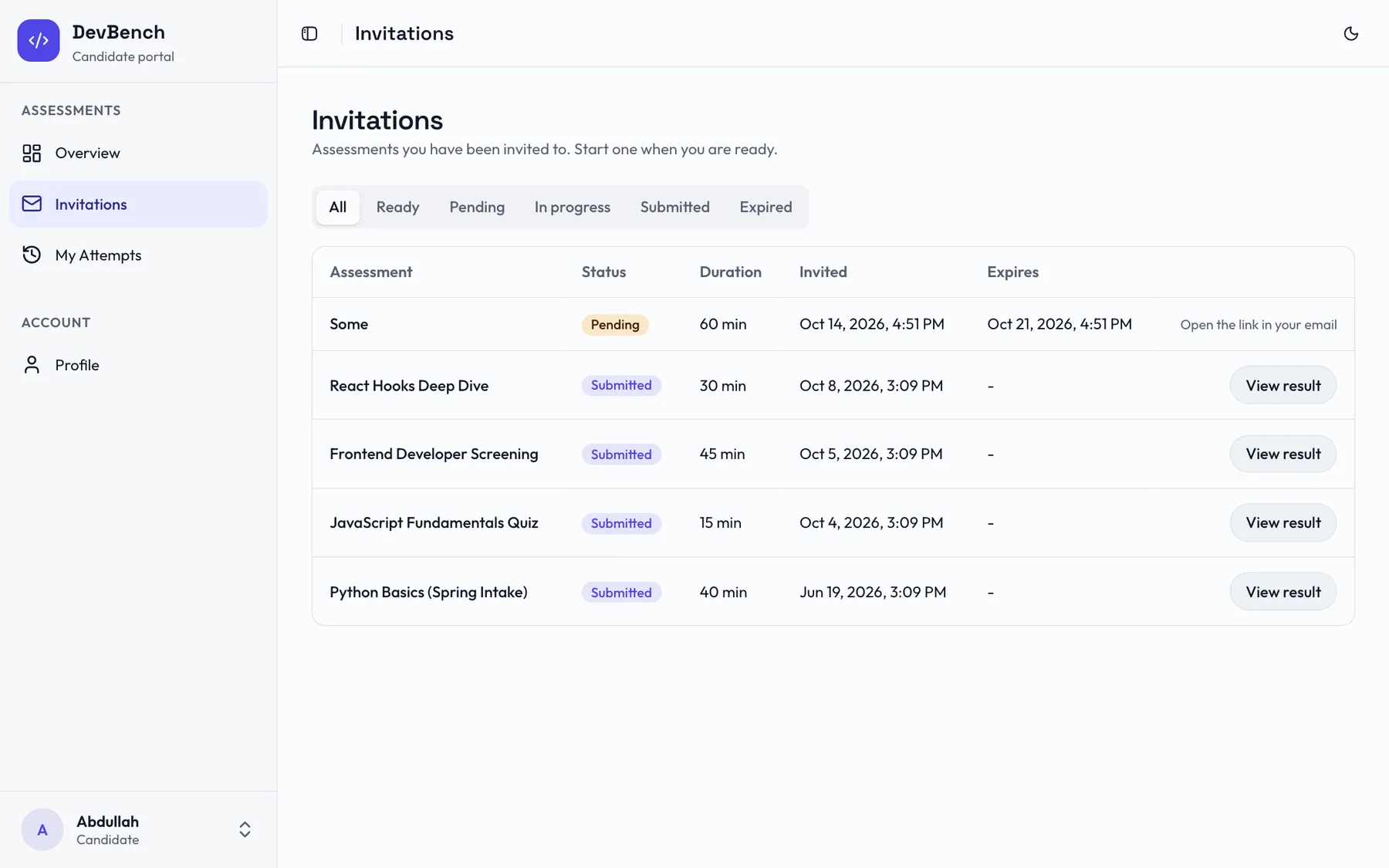
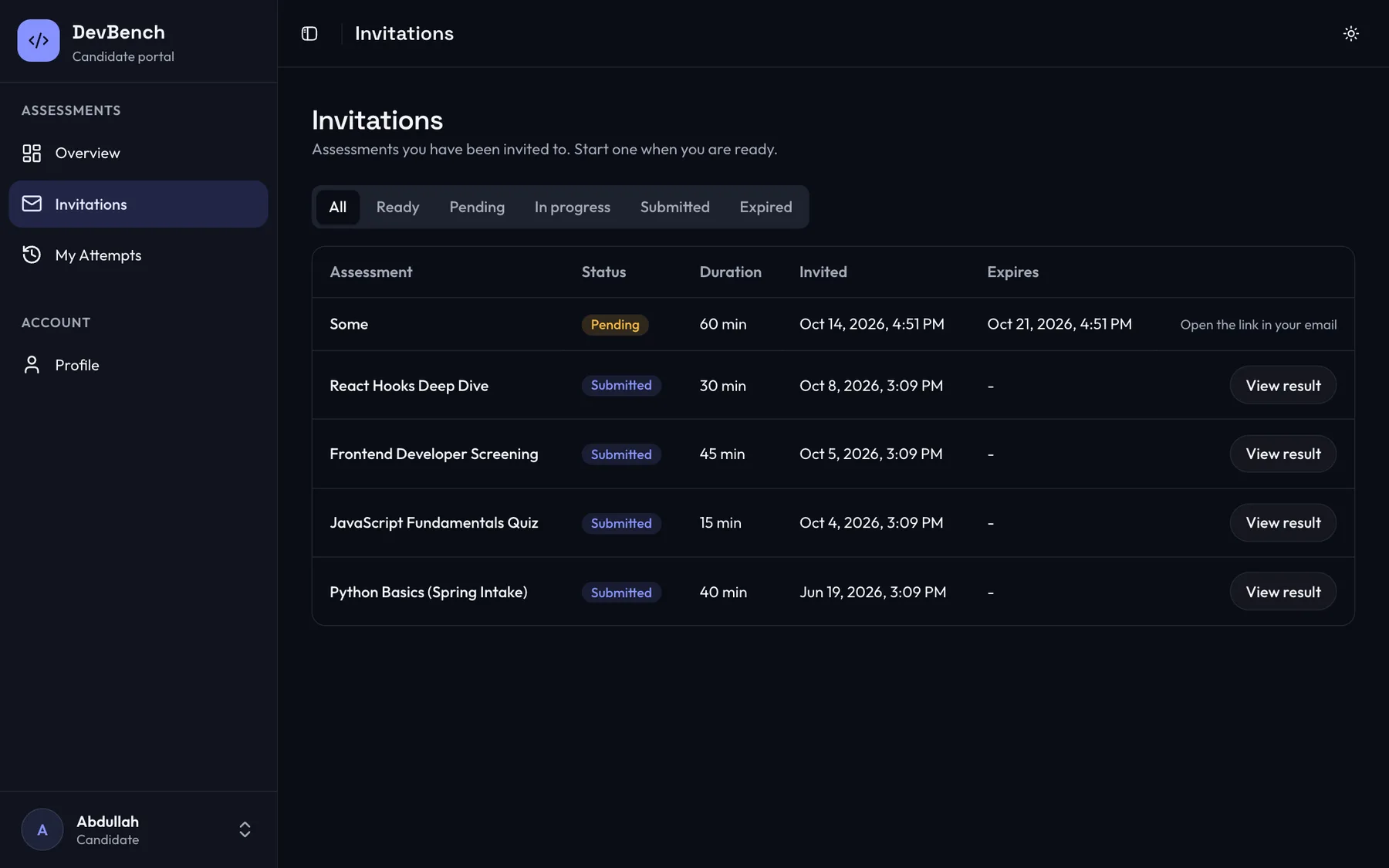
One inbox for every invitation
Accept an invitation and start when you're ready, any time before it expires. The timer only begins when you start.
Results you can understand
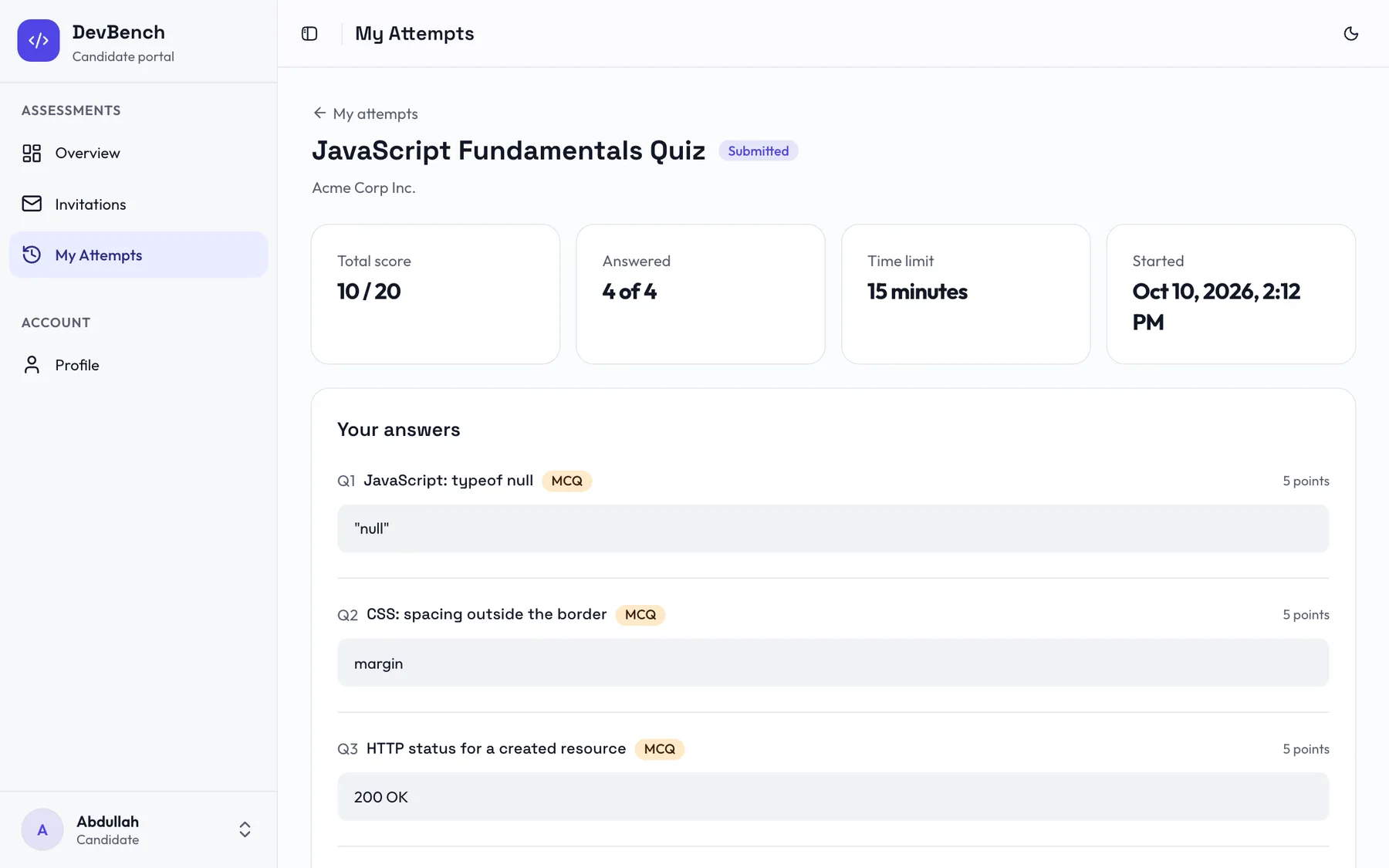
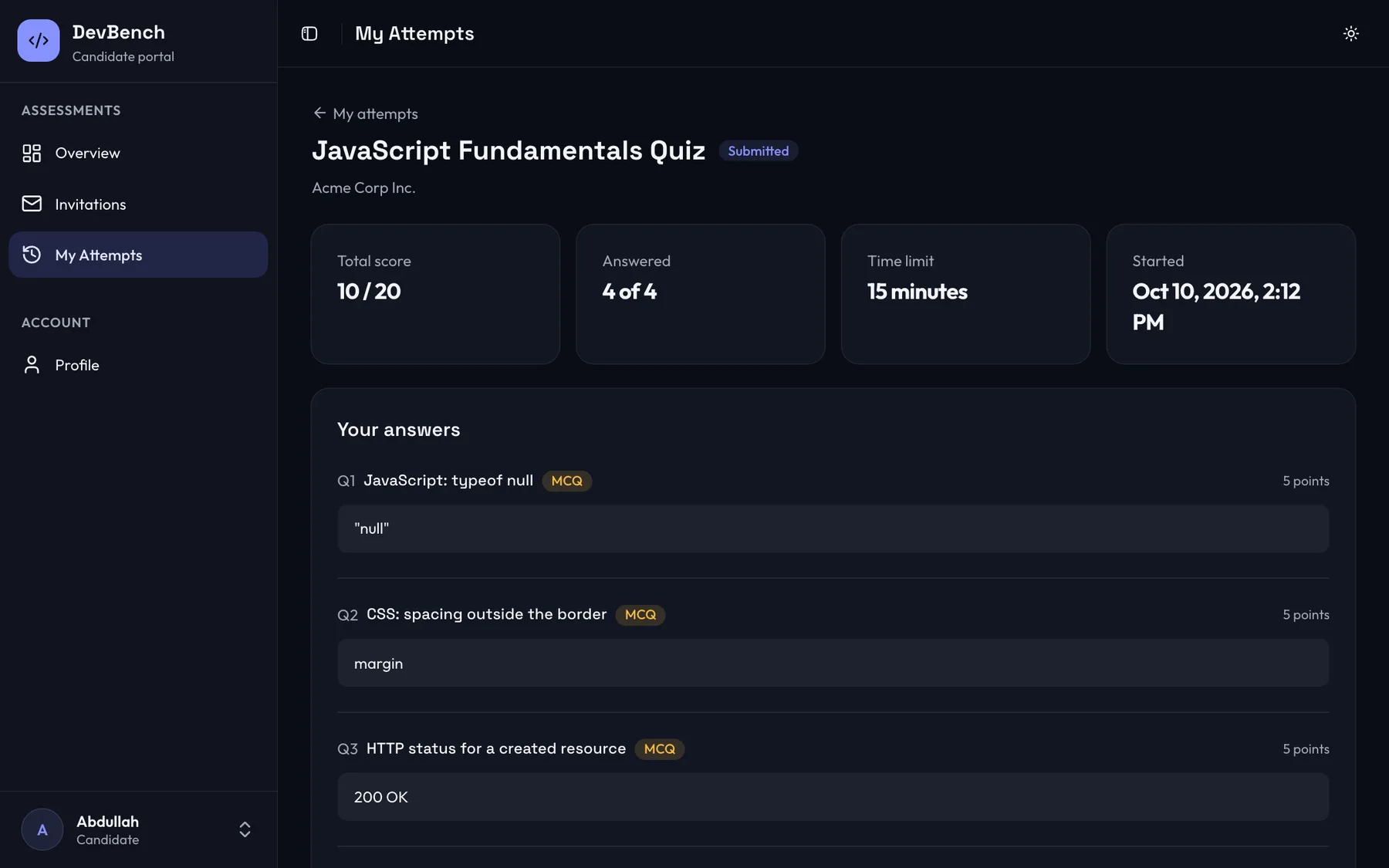
After submitting, see your score, every answer you gave and the evaluator's feedback.
Invitation inbox
Accept an invitation and see every assessment waiting for you in one list.
Exam runner
A focused timed screen with a visible countdown and automatic saving of each answer.
Profile and results
Keep a headline, skills and resume link on your profile, and look back at every past attempt.
For platform admins
Oversight without the noise
Admins keep the platform healthy with a single view over companies and candidates.
Every company at a glance
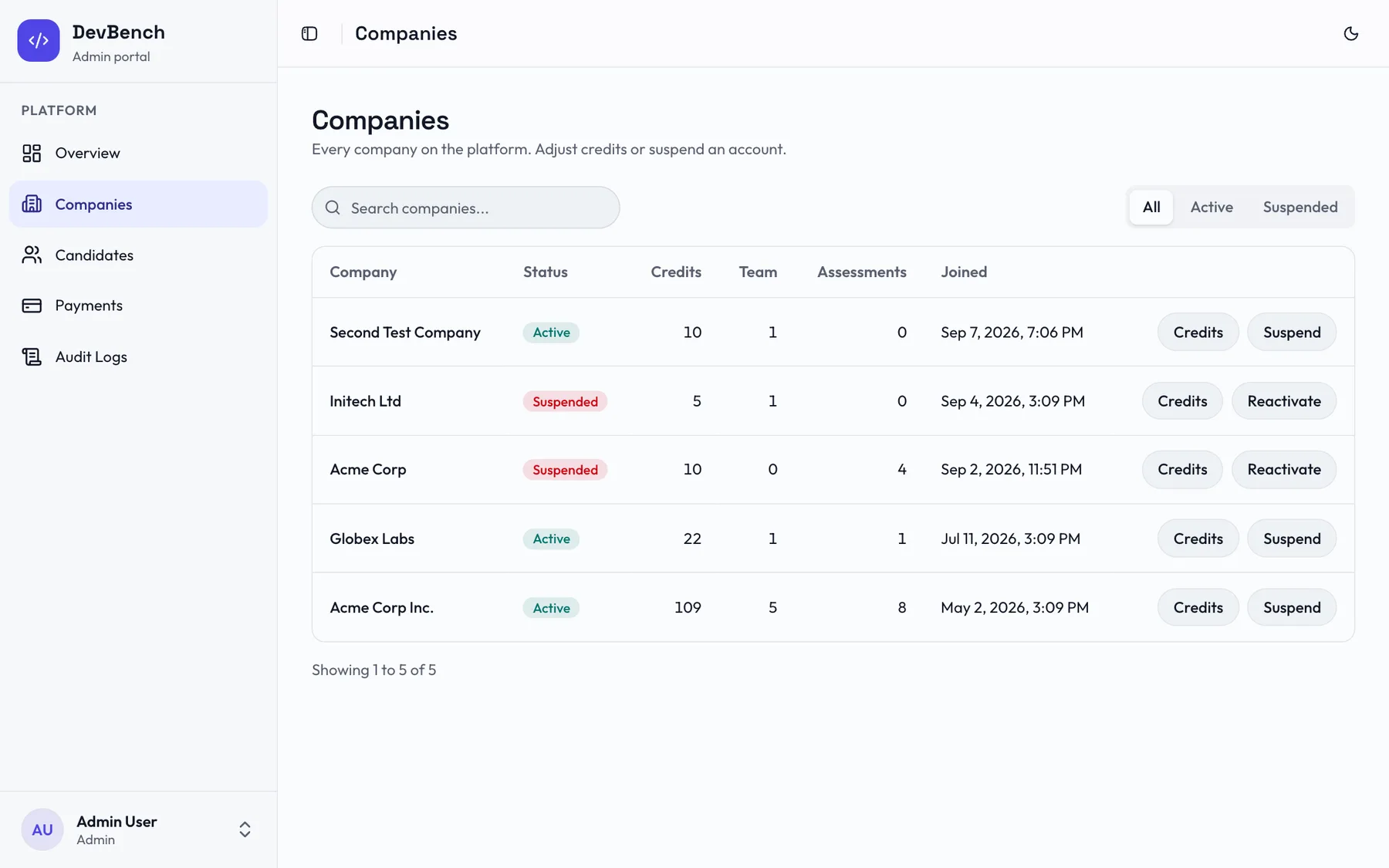
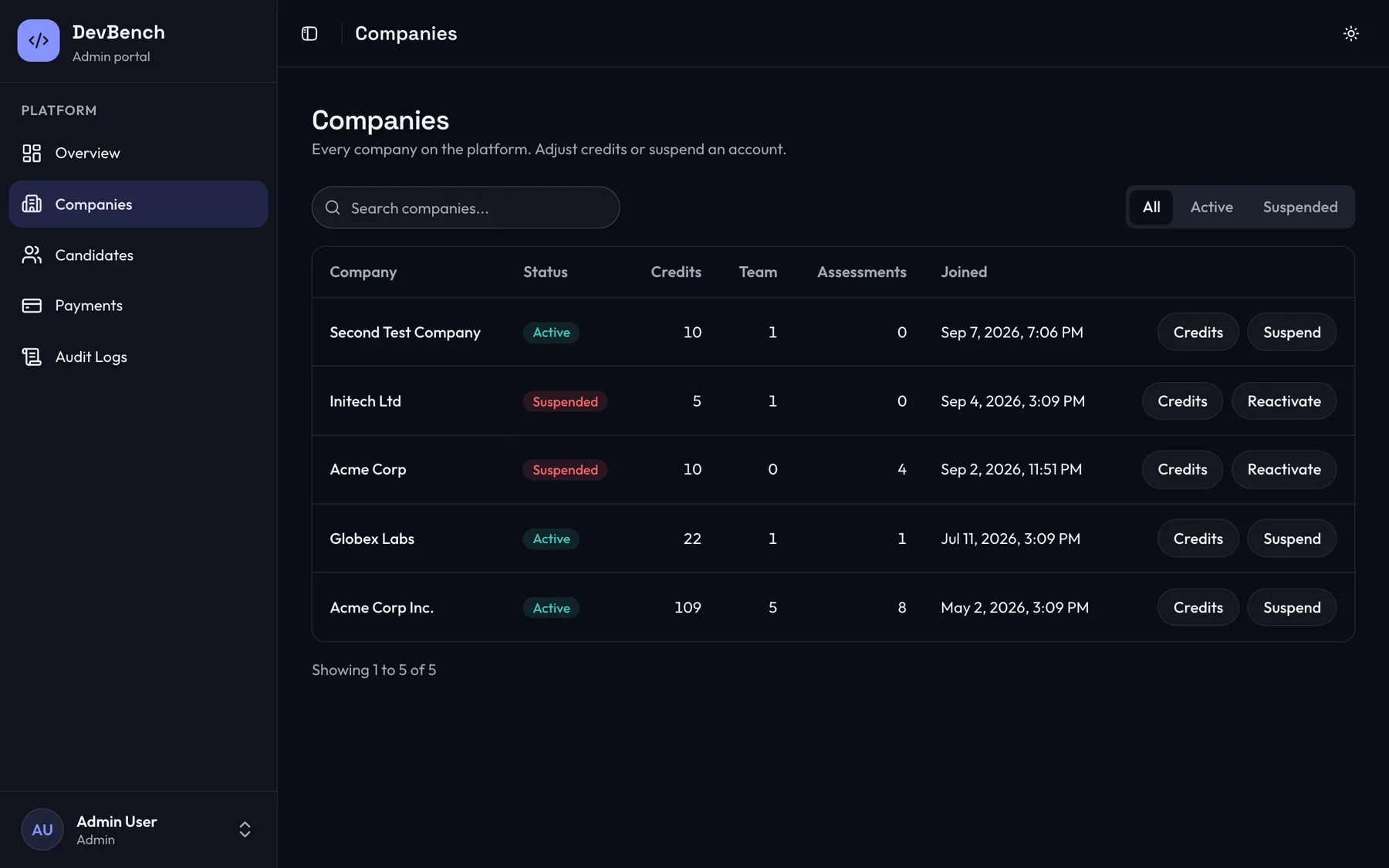
Search and filter companies, suspend or reactivate accounts, and adjust a company's credits with a recorded reason.
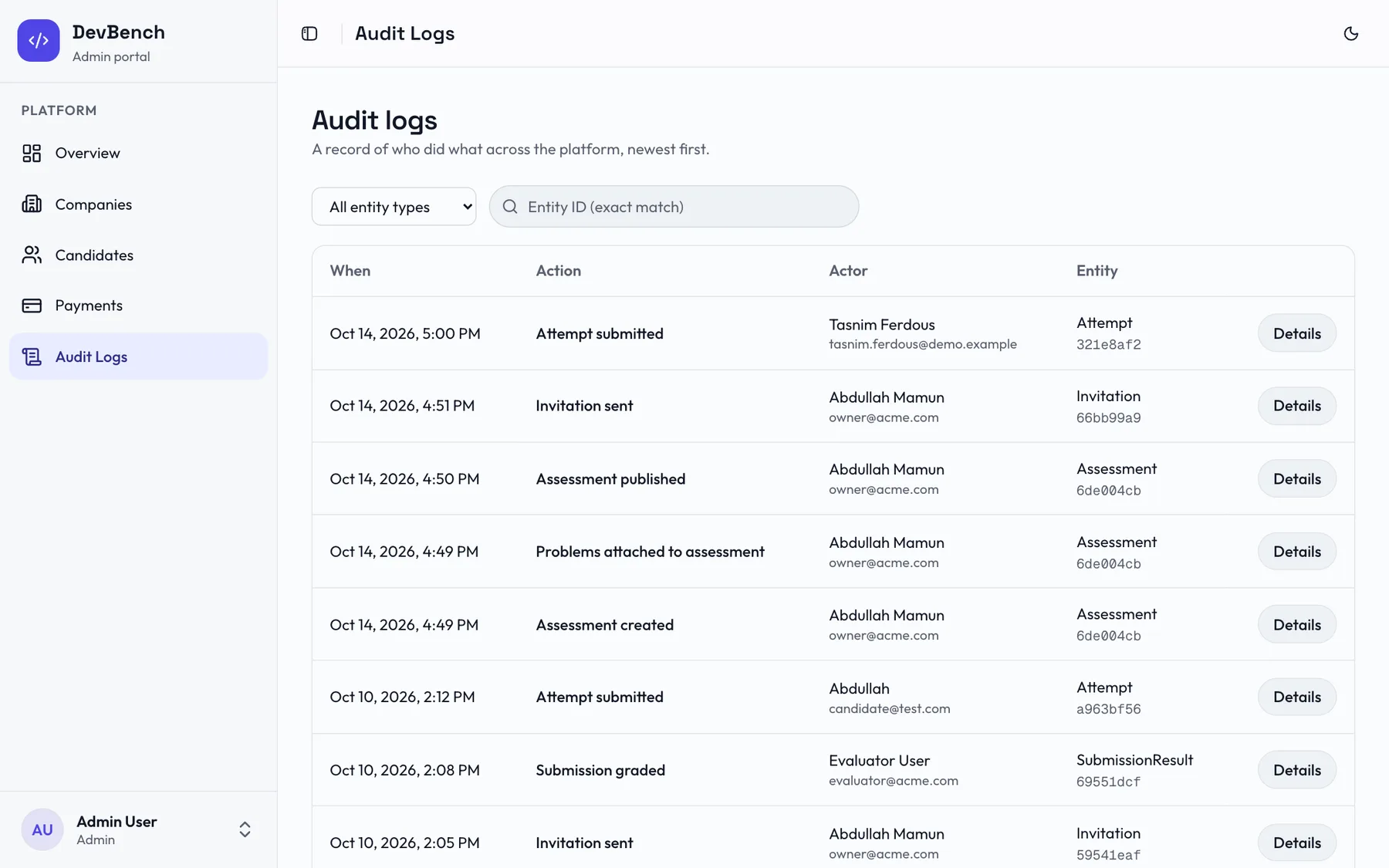
Who did what, and when
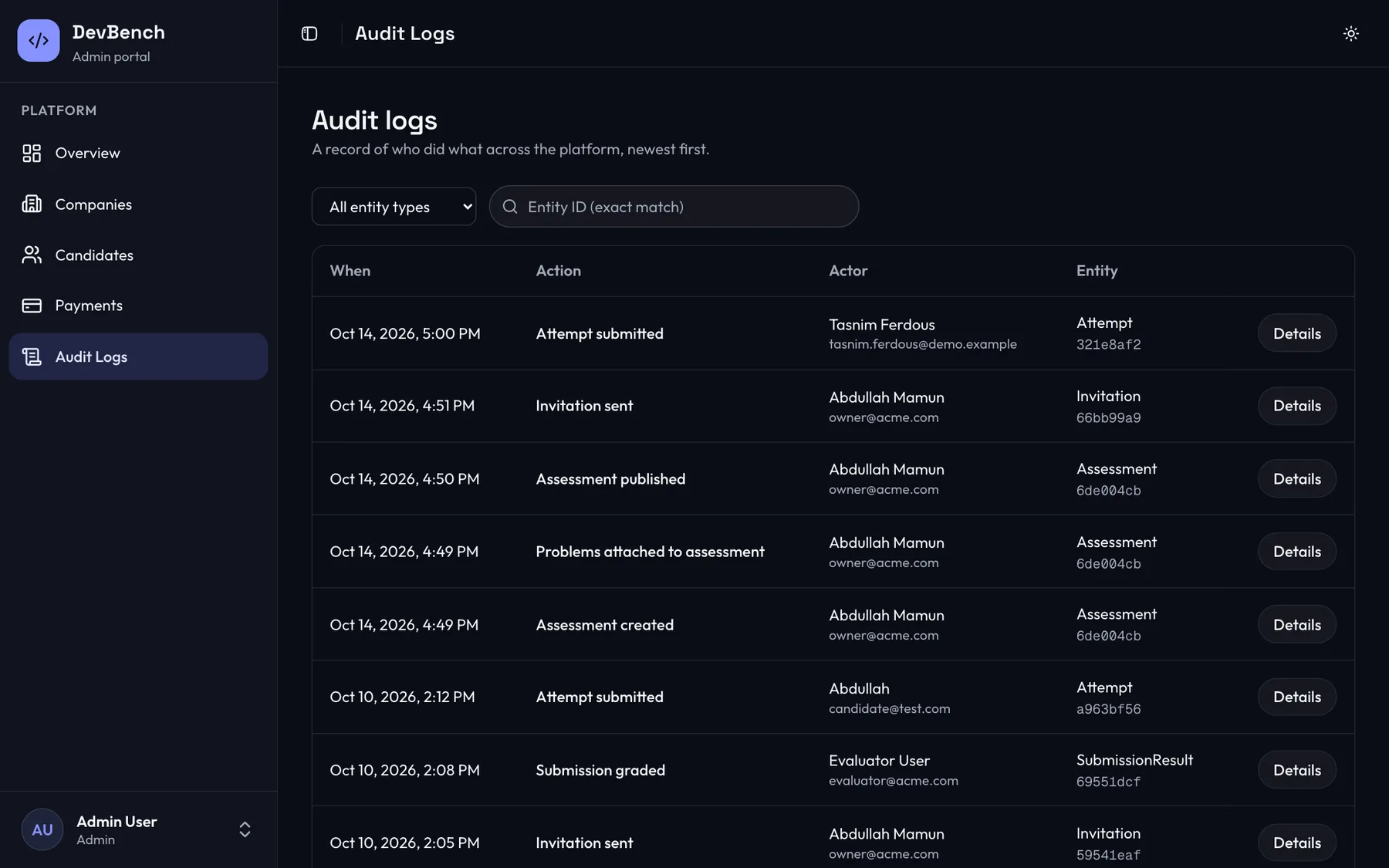
Sensitive actions across the platform are logged with the actor, the entity and the details, newest first.
Company and candidate management
Search accounts, check status and suspend or restore access when needed.
Audit logs
Every sensitive action is recorded, so you can answer who did what and when.
Credit adjustments
Correct a company's balance when something goes wrong, with the change logged.
Run your first assessment in five minutes
Create a free account, buy credits when you need them and invite your first candidate today.